
Problem first — the device dies slow
Smart TV operating systems expire like small clocks. They lag. They freeze. They fail on a Monday morning, when a store needs a price board or a hotel needs a lobby feed. Teams buy screens, chase bargains, even hunt all in one computer deals for tidy installs. Then the OS soft-fails: driver mismatch, unattended updates, app rot. Problem-driven: we start with the failure and trace backward to the cause.
Symptoms and root causes
Slow UI. Playback stutters. Remote controls unresponsive. App crashes. The usual culprits: unattended OS updates; mismatched firmware between SoC and panel; insecure third-party apps; poor scheduling of reboots; no rollback strategy. Each symptom points to a simple origin. Treat like diagnostics. Start with logs. Then isolate: hardware or software? Often software wins; it is cheaper to break, easier to break.
Common mistakes teams make
They treat TVs as dumb displays. They skip version control for TV OS images. They install consumer apps on commercial units. They delay firmware flashes until a failure. They rely on single-person knowledge. They ignore scheduled maintenance windows. Short story: human shortcuts create technical debt. Fix the process, not just the patch.
Experience, evidence, and a real-world anchor
I’ve audited service logs for multi-site retail installs and documented repeat failures. Seen at major shows like CES in Las Vegas, vendors demo flashy GUIs that hide update complexity. Practical control comes from repeatable steps: image management, staged rollouts, and automated rollback. For businesses that want integrated hardware and service, consider validated options such as all in one business pc where firmware and OS packaging are managed as one deliverable. This approach reduces finger-pointing between display maker and compute supplier.
Clear maintenance plan — practical steps
Inventory every device. Tag OS version, build date, firmware. Schedule weekly health checks. Automate log collection and centralize it. Use staged OTA updates: test on two devices, then one store, then fleet. Keep a golden image and a verified rollback routine. Partition storage so user data doesn’t corrupt system files. Set forced reboots out of service hours. Train two people per site. Write the runbook; practice the runbook. Short, repeatable actions beat clever hacks.
Alternatives and trade-offs
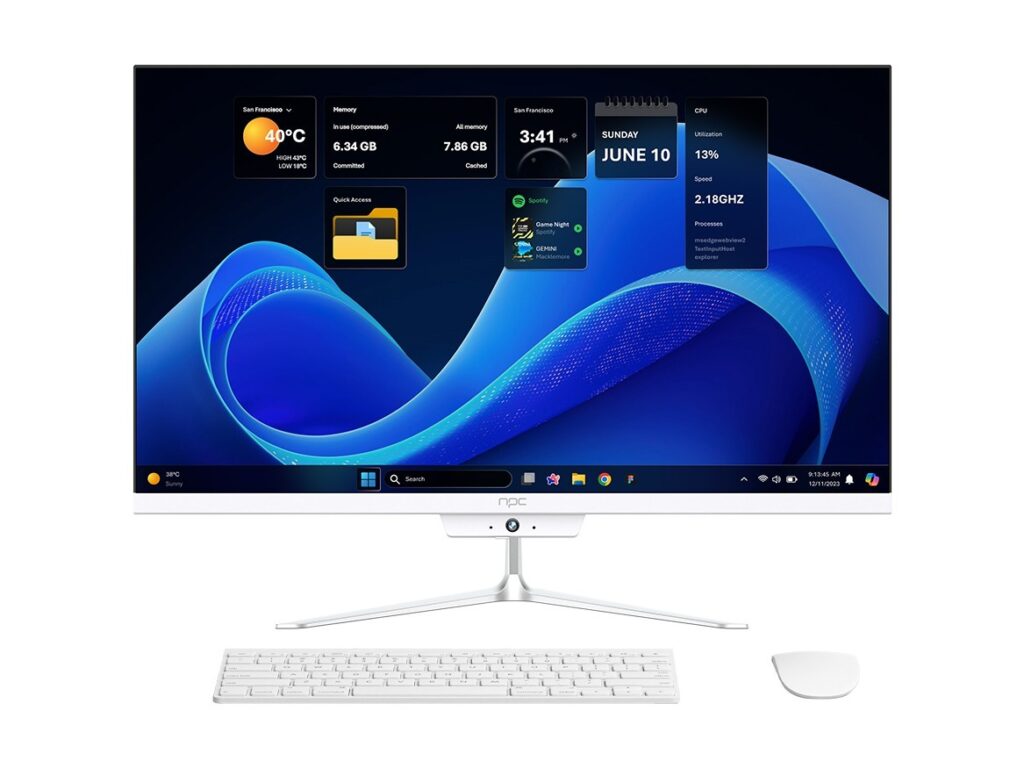
Option A: local smart TV OS. Low cost up front. Higher operational risk. Option B: dedicated media player connected to display. More control over software, easier remote management. Option C: integrated all-in-one systems. Higher purchase price, lower integration effort, often simpler lifecycle management. Evaluate by total service hours per year, not only sticker price. Don’t pick by spec sheet alone.
Wrap-up — decisive planning wins
Stop treating displays as one-off buys. Plan service cycles. Force-tested images and staged updates remove most surprises. A clear lifecycle plan shifts work from firefighting to routine service. If you want a single-source approach that blends hardware and maintenance planning, look for partners whose systems and support match your schedule and staffing, such as npc. Short cycles. Few surprises. Predictable service.